AVAILABLE ON THE APP STORE · iOS 16+
From the web.
Into your files.
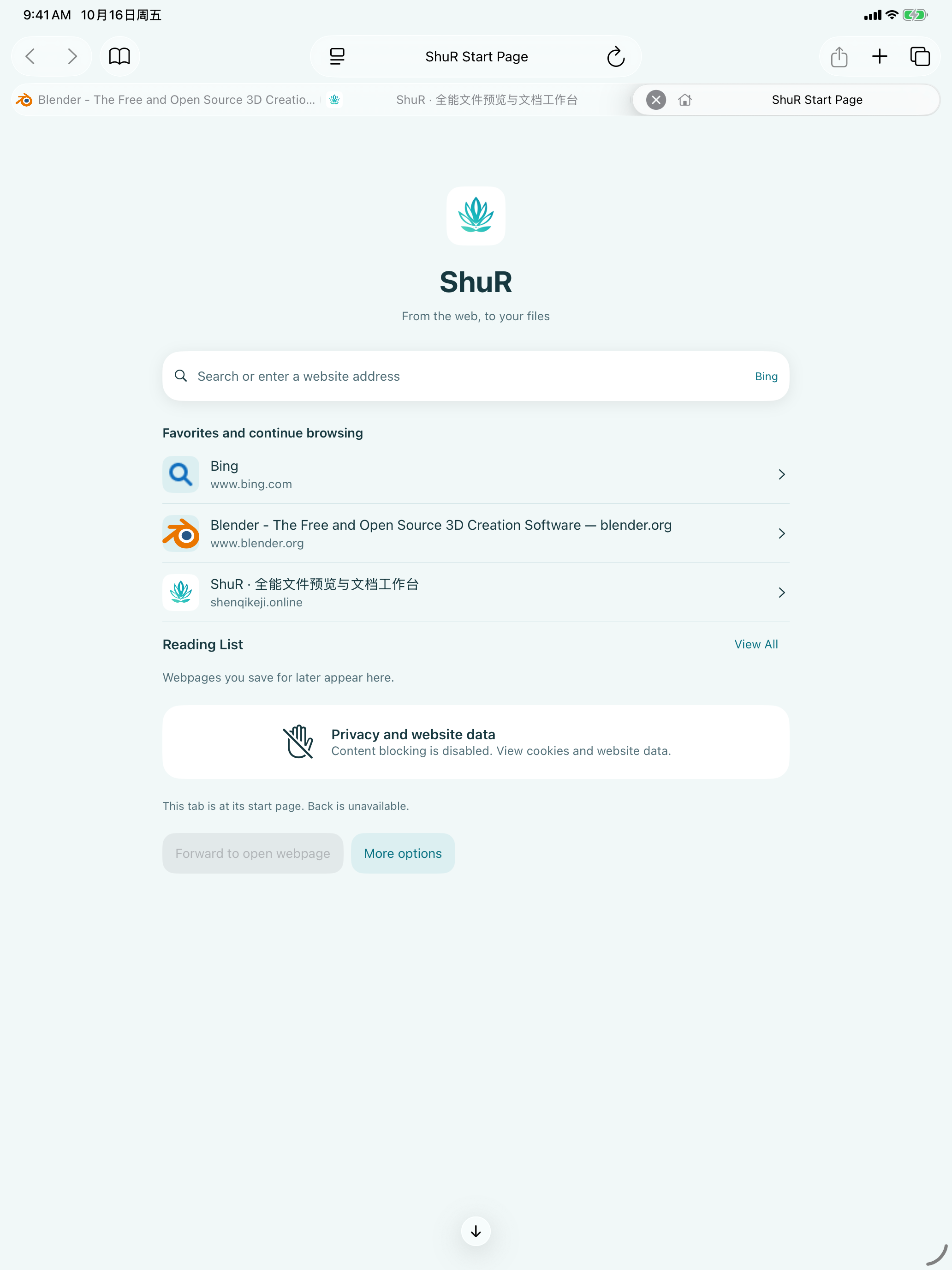
Browse in tabs. Download straight to your workspace. Keep going with 3D models, documents, media and archives in one ShuR workflow.
Update in preparation
ShuR is already on the App Store. This site describes the upcoming 1.2.0 update.
A browser connected to your workspace.
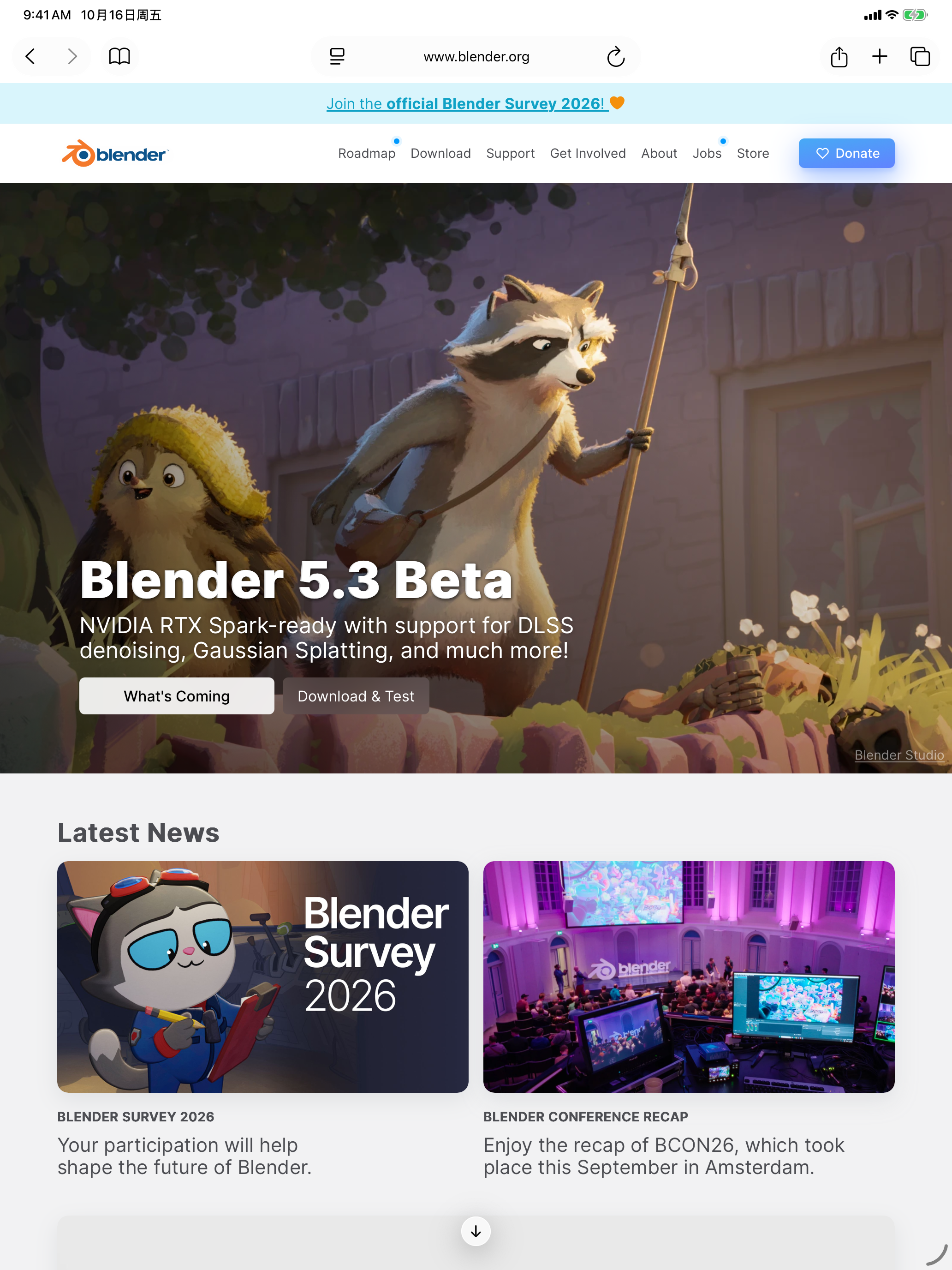
A native start page with Bing search, regular/private tabs, bookmarks, history and reading lists. Eligible ordinary document, image and archive downloads go to Workspace → Downloads; webpage audio/video extraction, playlists, stream fragments and protected media are excluded. Open a completed task to continue with its real file. Manage JavaScript, cookies, desktop requests, homepage and external-app navigation. External-app navigation asks first by default.
Preview, read, play and extract.
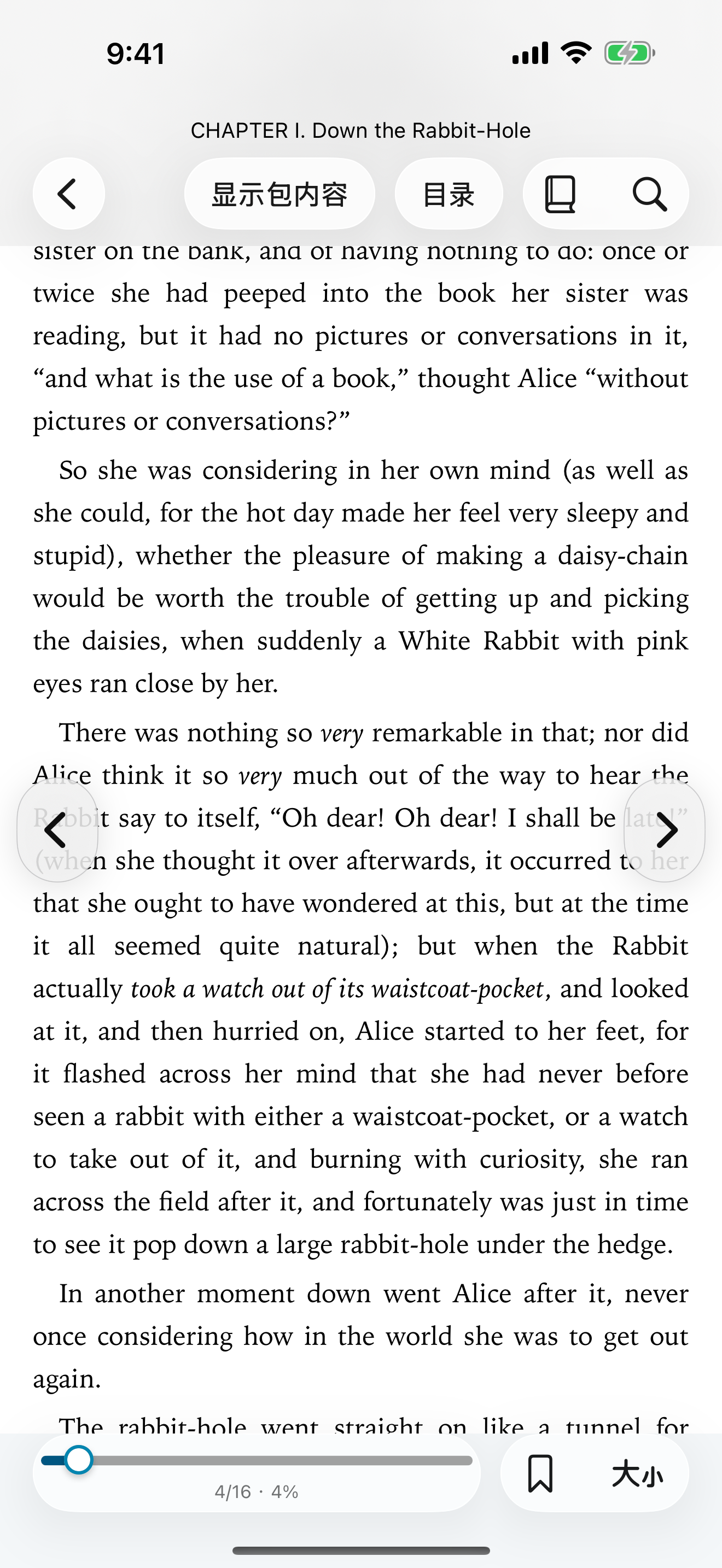
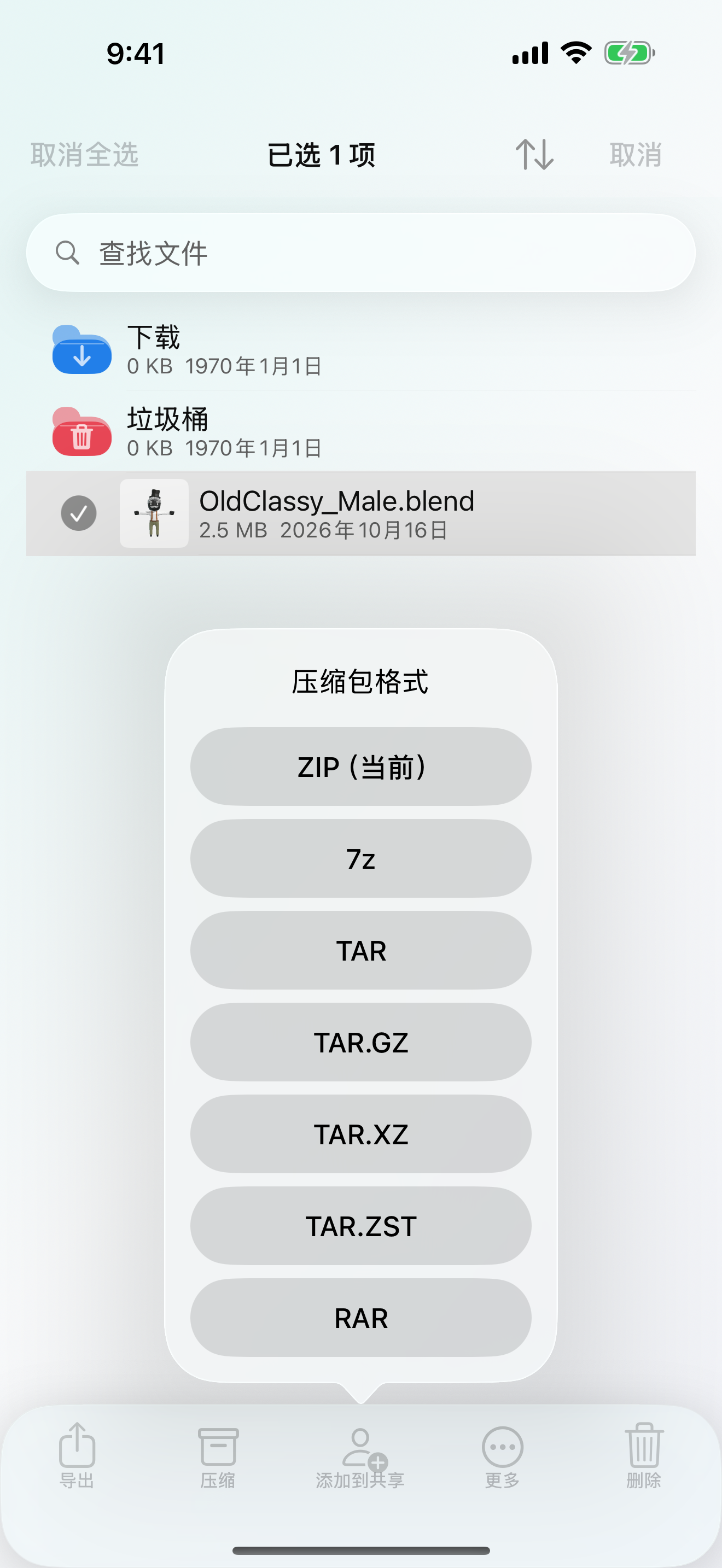
Open PDF and supported Office documents, read DRM-free EPUB/MOBI books, play media with supported background audio and PiP, and browse/extract ZIP/7Z/RAR/TAR and other supported archives. Editing, extraction, playback and binary inspection are separate capabilities.
Local 3D, with clear limits.
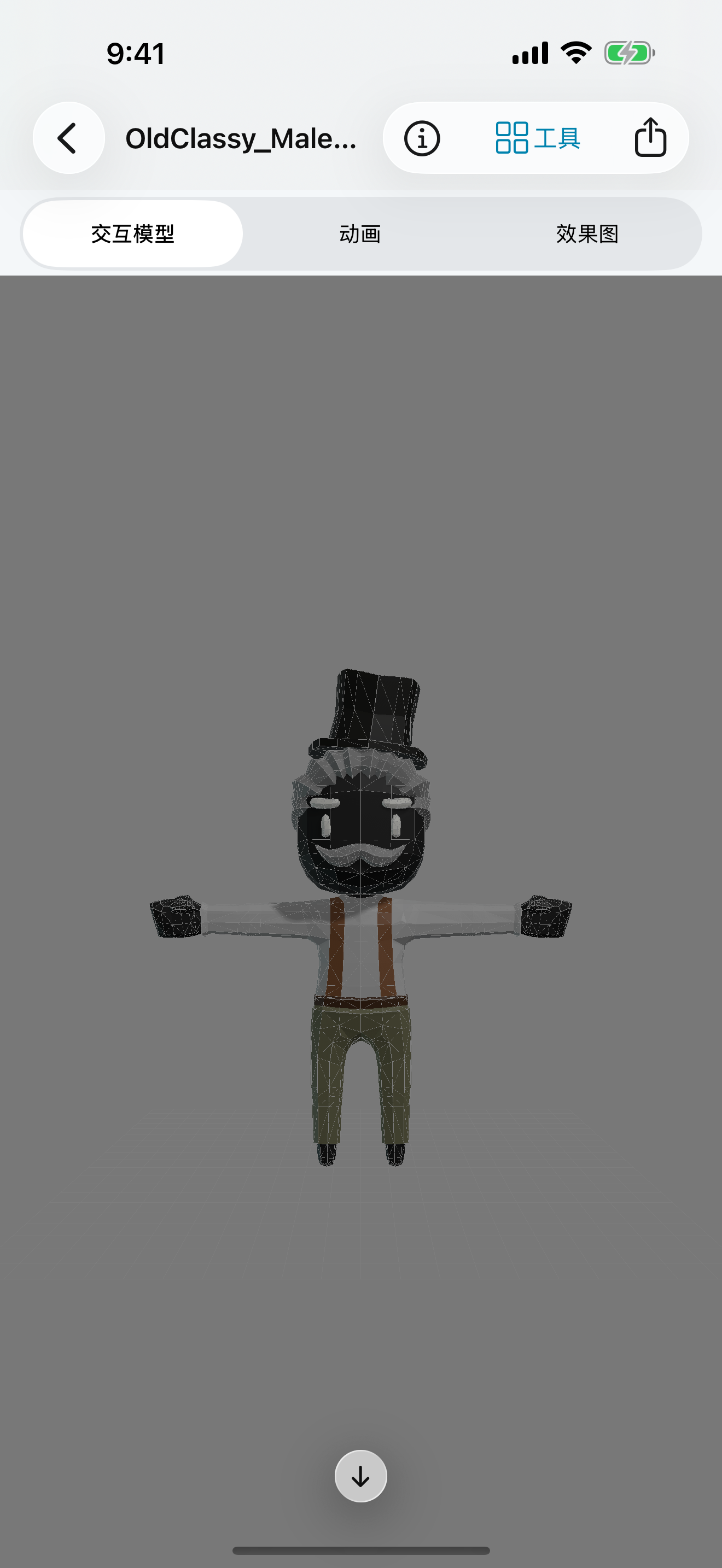
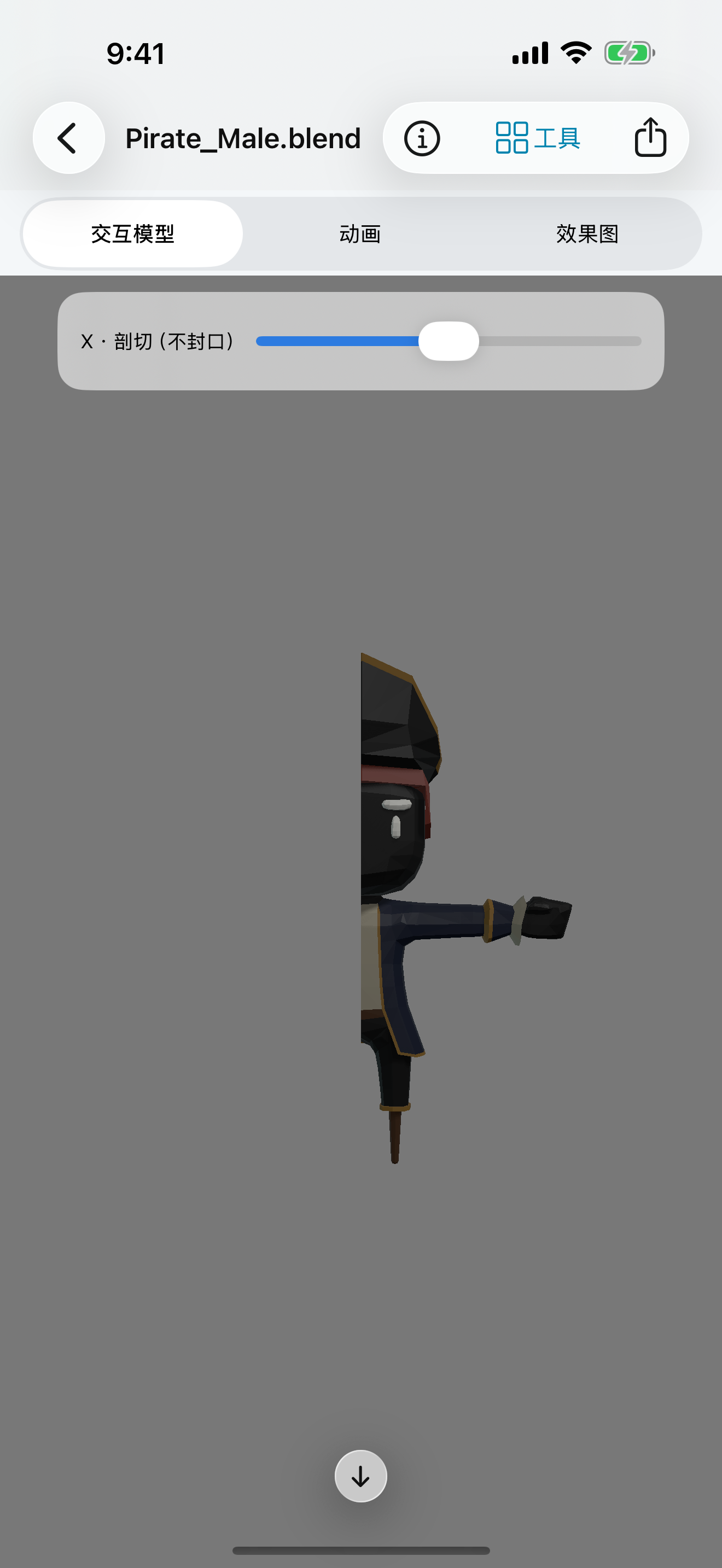
Inspect BLEND, FBX, glTF/GLB, OBJ, STL, PLY, USD/USDZ and DAE locally. Use orbit, zoom, free view, grids and section tools. Large models start with lightweight or white-mesh previews; supported animation and resources load on demand.
ShuR does not run a complete Blender evaluator. Complex nodes, constraints, bones, modifiers, simulation and final rendered animation are not universally reproduced.
Scan, recognize and work with documents.
Scan pages and recognize text on device. Edit simple DOCX text/styles, annotate PDFs and organize their pages. PDF-to-DOCX export preserves page appearance as images with extracted/OCR text; page images are not individually editable Word objects, and 1:1 editable reconstruction is not promised.
Real files. Native app views.
Native app feature captures made with real files. Layout can vary by version and system; model results apply to the files shown. Swipe to see more. Tap a capture to view it in full.
Local-first, with explicit network actions.
No developer account, advertising or behavioral analytics SDK. Files are not automatically uploaded to the developer. Websites, downloads and user-selected services receive the data needed for those actions. Private browsing does not hide your IP; intentionally saved files/bookmarks remain.

Bring your files together.
ShuR is available on the App Store for iPhone and iPad.